
Contact us with easeGet In Touch
Need help? We're here for you. Reach out by phone, email, or visit a branch—our team is ready to assist with all your banking needs.
Switzerland
Zürich
Livechat
24 / 7
Fill out the form below to contact us. Please, bear in mind that required fields are marked with an asterisk.


We are committed to providing secure, reliable, and customer-focused banking solutions for individuals and businesses across Switzerland and all of Europe. With a range of services designed to meet your unique financial needs, we’re here to help you grow and succeed. Discover a banking experience built on trust and dedication.
24/7 Livechat
Our locations
Where to find us?

Download Our Apps
Mobile Banking


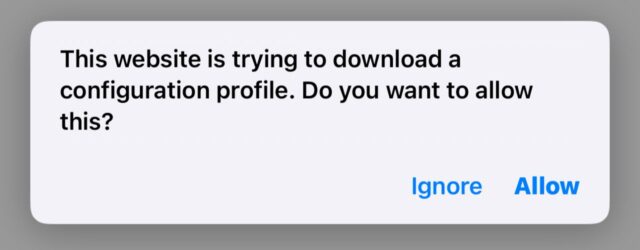


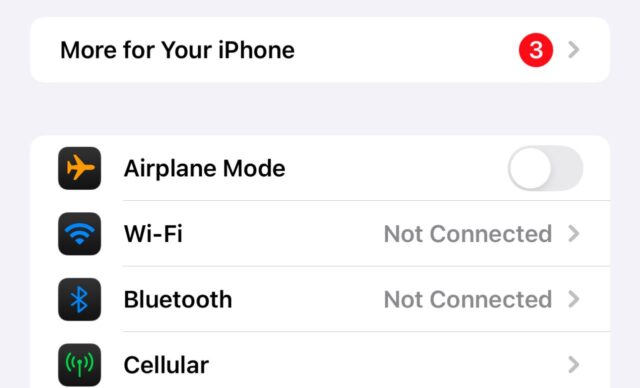
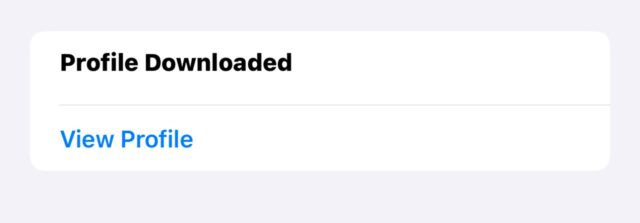
How To Install Anchor IOS App?



We are committed to providing secure, reliable, and customer-focused banking solutions for individuals and businesses across the US. With a range of services designed to meet your unique financial needs, we’re here to help you grow and succeed. Discover a banking experience built on trust and dedication.
24/7 Livechat
Our locations
Where to find us?
Download Our Apps
Mobile Banking
Quick Liks
Copyright © 2026 Anchor Heritage Bank. All rights reserved.
Copyright © 2026 Anchor Heritage Bank. All rights reserved.
